
Choose what to start with
| Workflow | Input | What you get |
|---|---|---|
| Image to 3D | One clear photo or illustration | A mesh, with texture options on supported models |
| Text to 3D | A description of one object | A mesh from Hunyuan3D Pro or Meshy |
| Multi-view to 3D | Two to four matching views of one subject | One mesh with extra angles as evidence |
| Sketch to 3D | A drawing with a clear outline | A mesh interpreted from the drawing |
| Text to Image | A prompt and an aspect ratio | A 2D reference image for a separate 3D run |
Compare models under the same conditions
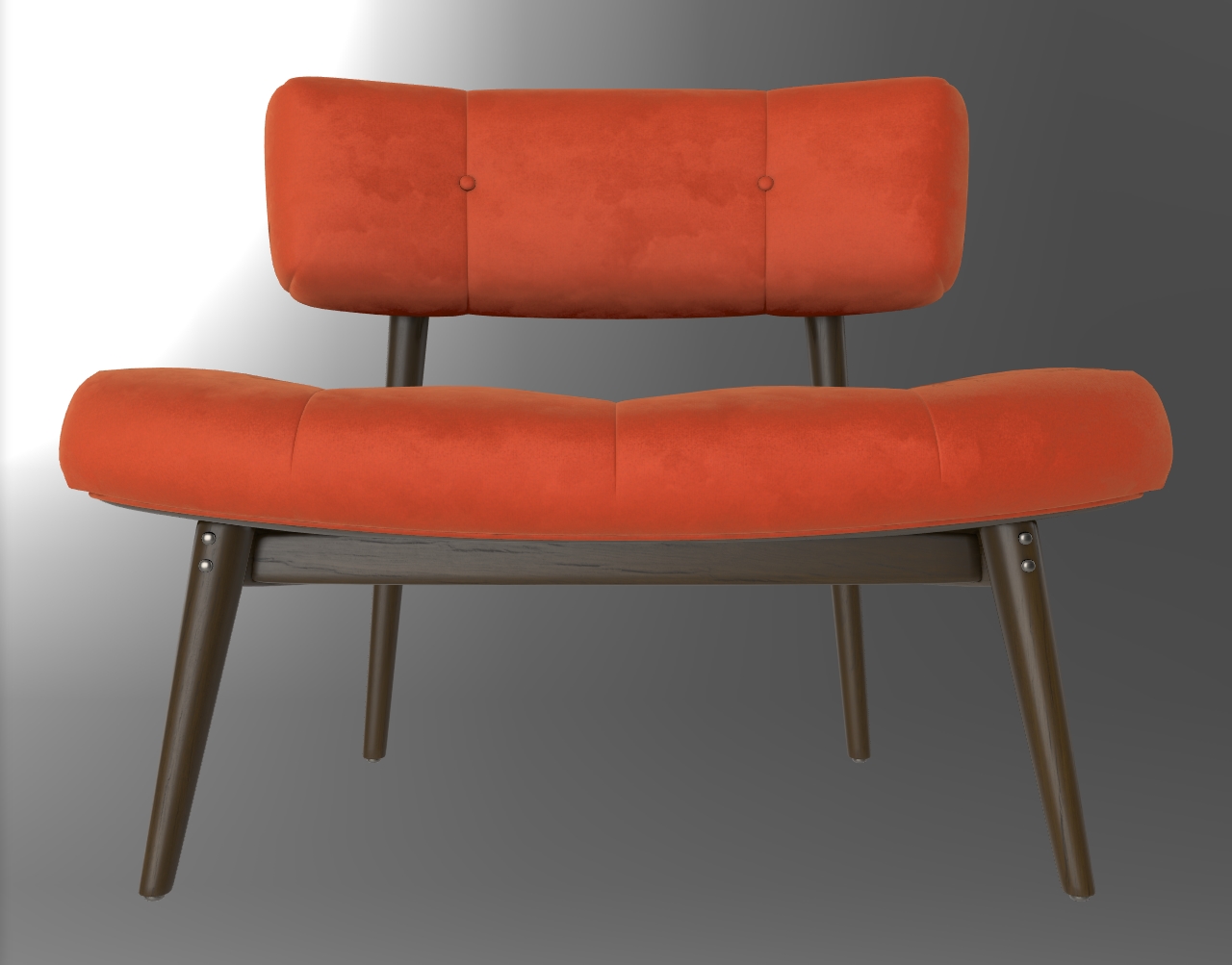
Use this exact image for each model: one input, one result, no texture or PBR maps, no extra prompt. Compare the same front, side and back angles in clay mode. Use GLB for every export. Keep the other settings at their defaults. Face counts and geometry controls vary by model, so record them with your results.
| Model in FORMA | Geometry test setting | When to choose it |
|---|---|---|
| Hi3DGen | Geometry only by default | Study the silhouette and shape from one image |
| Hunyuan3D Pro | Set Output to Geometry only | Try other inputs or adjust the target face count |
| Meshy 7.1 | Set Output to Geometry only | Compare a remeshed result and control mesh density |
| Hitem3D v3.0 | Set Output to Geometry only and keep Quality selected | Study fine detail on a single-view object |
Check whether the legs, arms and seat stay separate, then inspect the inferred back for holes or distortions. The table describes controls in FORMA. The chair is a reference for your own comparison.
Review access and export costs
Try Hi3DGen for free. Hunyuan3D Pro, Meshy and Hitem3D require a subscription. The workbench shows costs for the selected run. See plans and credits or test the camera controls with a licensed chair model.