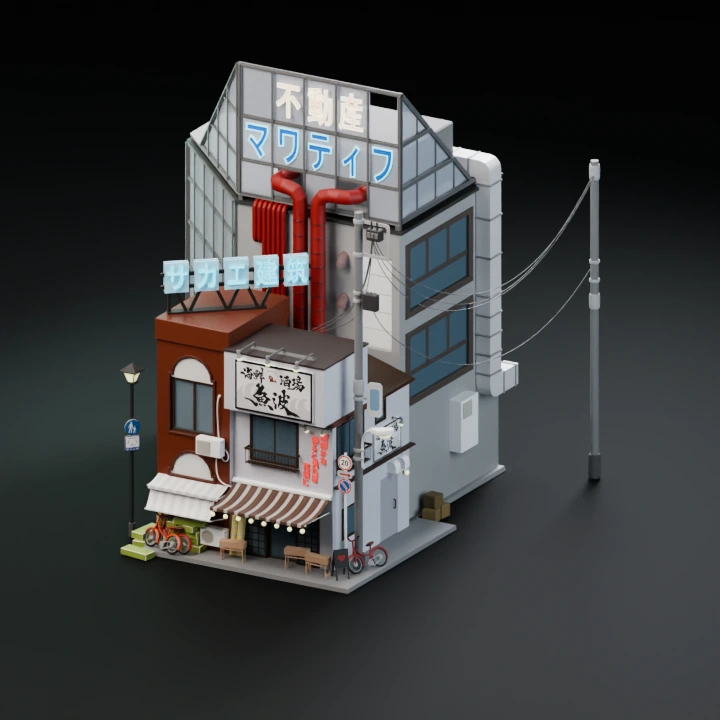
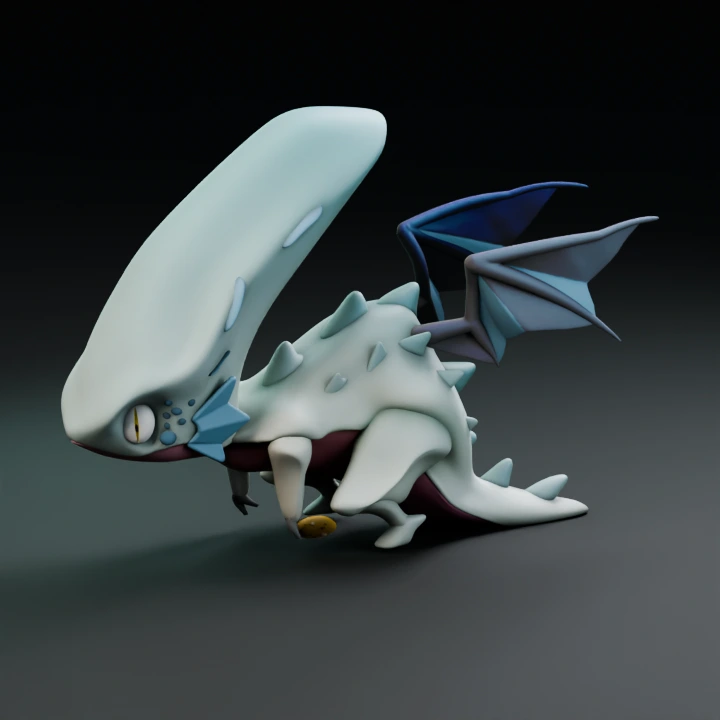
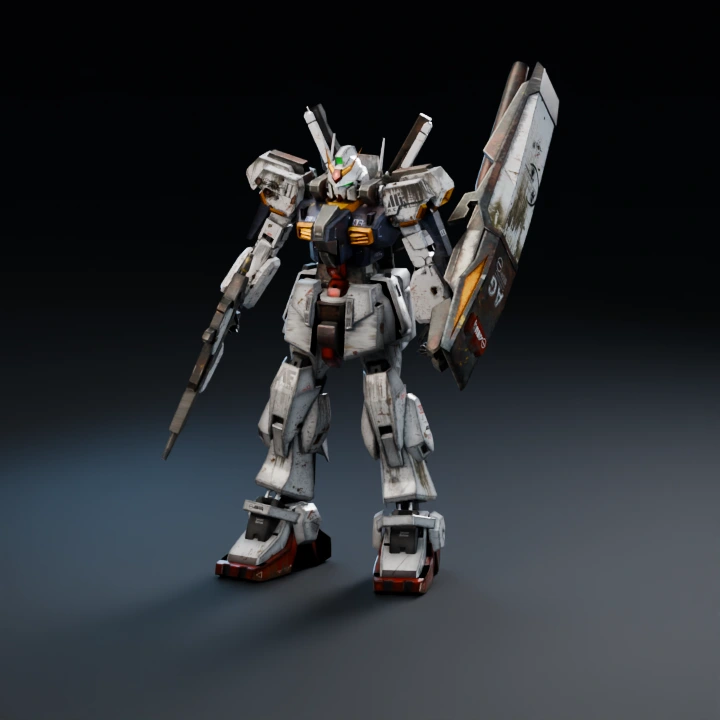
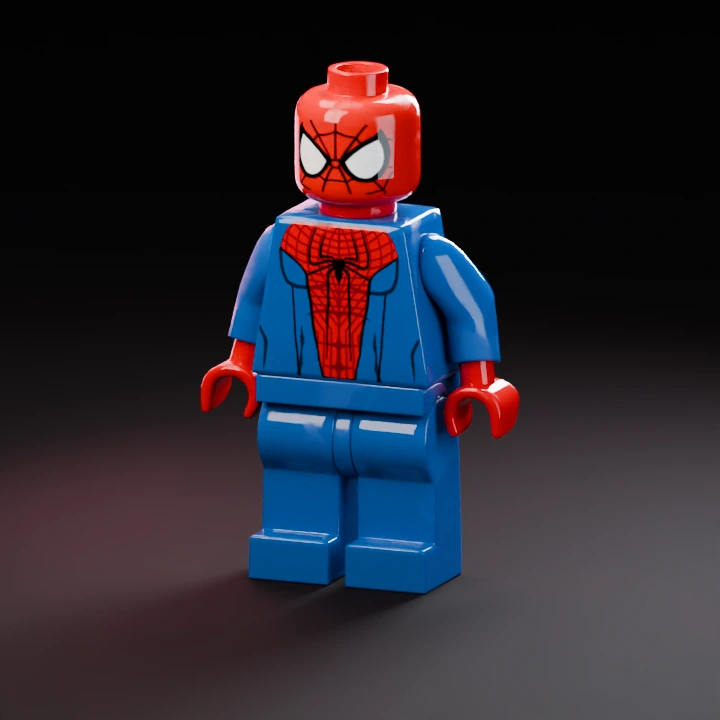
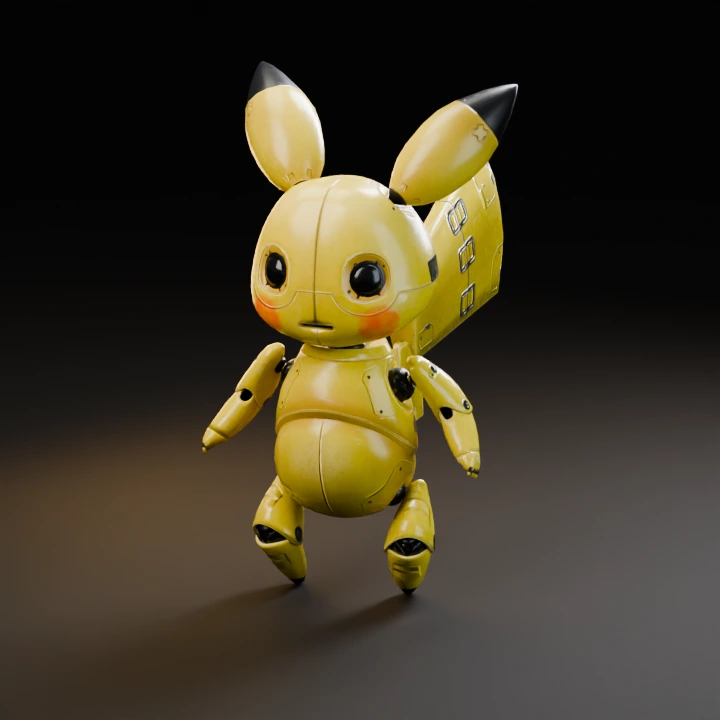
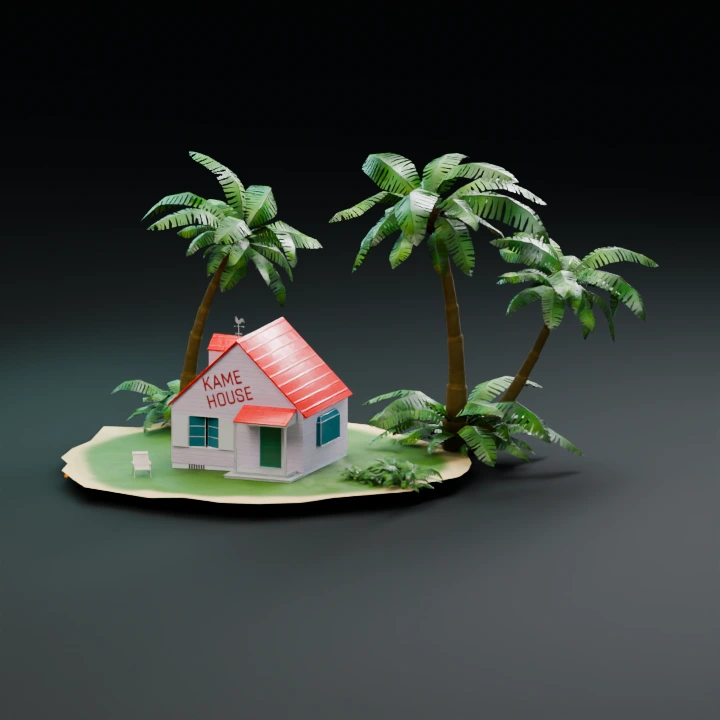
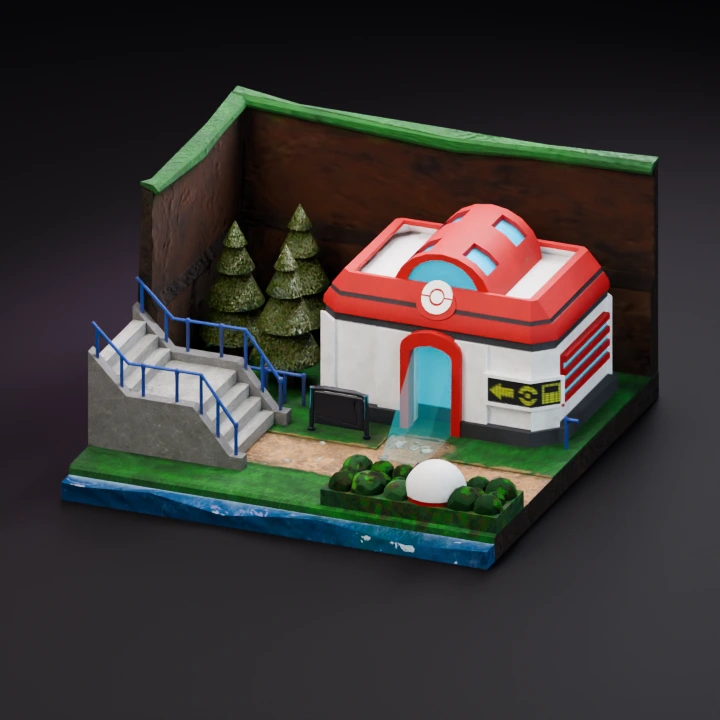
Start with one image. Add another to create a separate model.
Describe one object, its shape, proportions and material.
02
Model & output
Checking…
Pro
Checking the generation service…
Generation settings & cost +
Single generation · Batch variations are a Pro feature.
The Generate button shows the current model and options cost before you start.
Image privacy & storage +
Your image stays in this browser until you choose Generate. A generation request sends the required input to the selected model provider. Saved History stays in this browser until you delete it or clear site data.
Use a clear reference to define the silhouette. For image inputs, texture guidance describes the intended surface. To request a different shape from words alone, switch to the text workflow.
Control the mesh for your destination
Enable Remesh to set a target face count and choose triangles or quad-dominant topology. Use the target count as a mesh budget. The browser’s GLB display triangulates faces. Check the downloaded file in your modeling app when face layout matters.
Guide material and shape independently
For image inputs, the reference defines the shape and optional text in the reference editor guides the texture. Choose Geometry only when checking shape or trying a lower credit cost. Select Mesh + texture and optional PBR when you need surface maps.
Choose a workflow and resolution
Image generation offers Standard, 2K and 4K geometry resolution. Multi-view supports Standard and 2K in FORMA. Meshy also supports text generation in the Text to 3D workspace. Generating with Meshy requires a subscription.