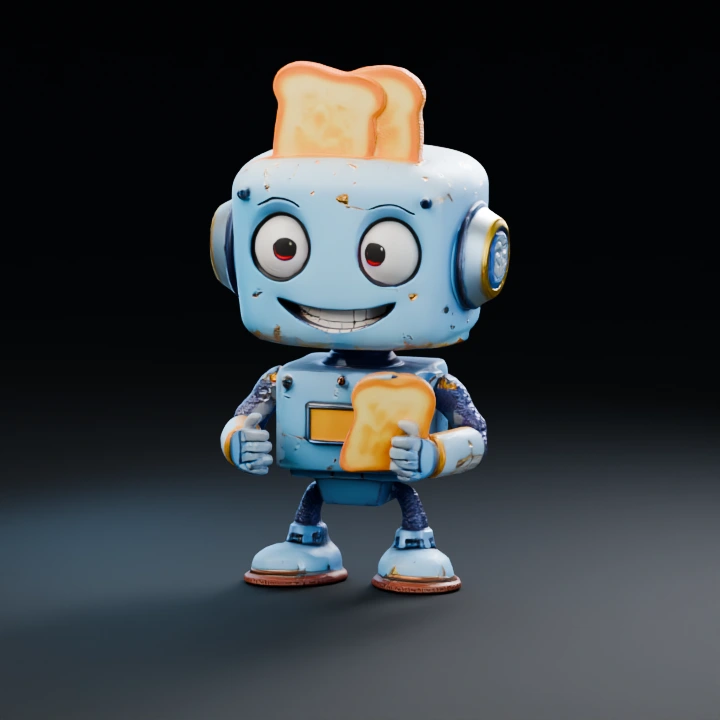
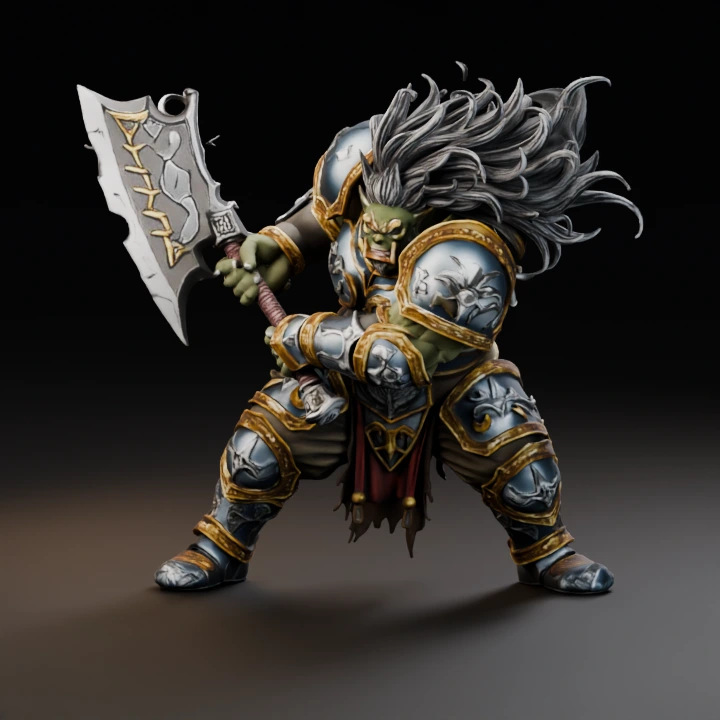
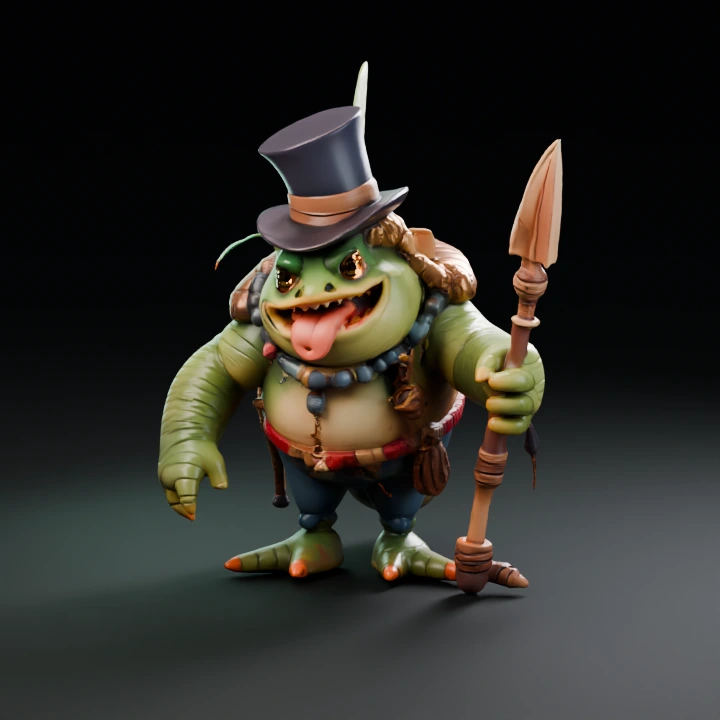
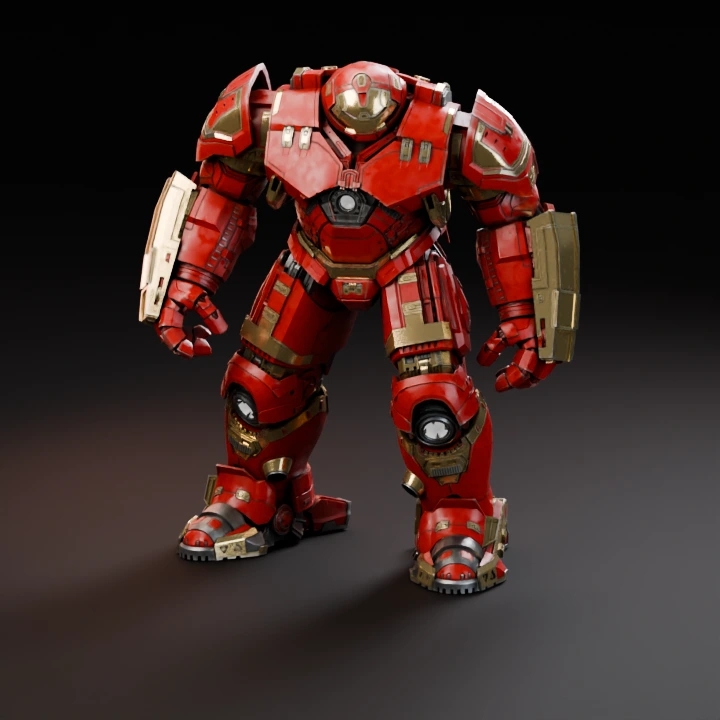
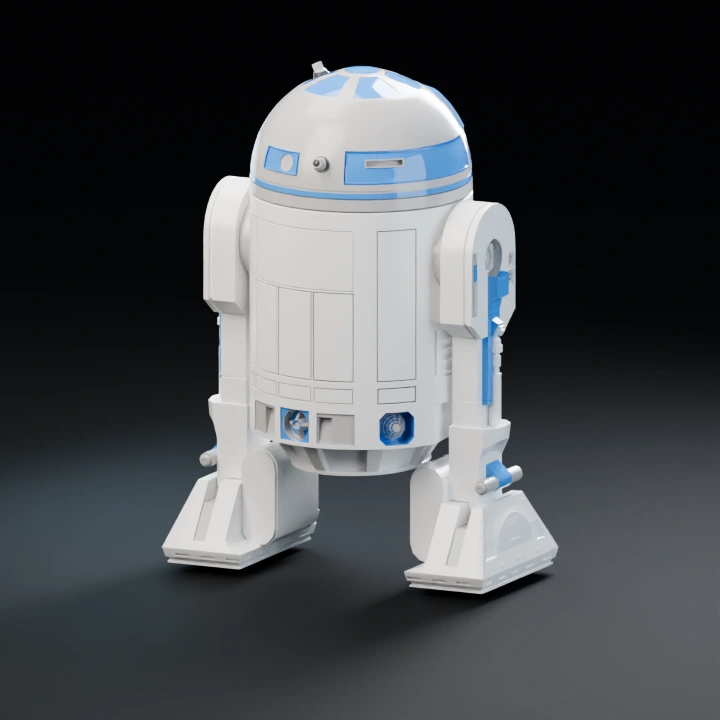
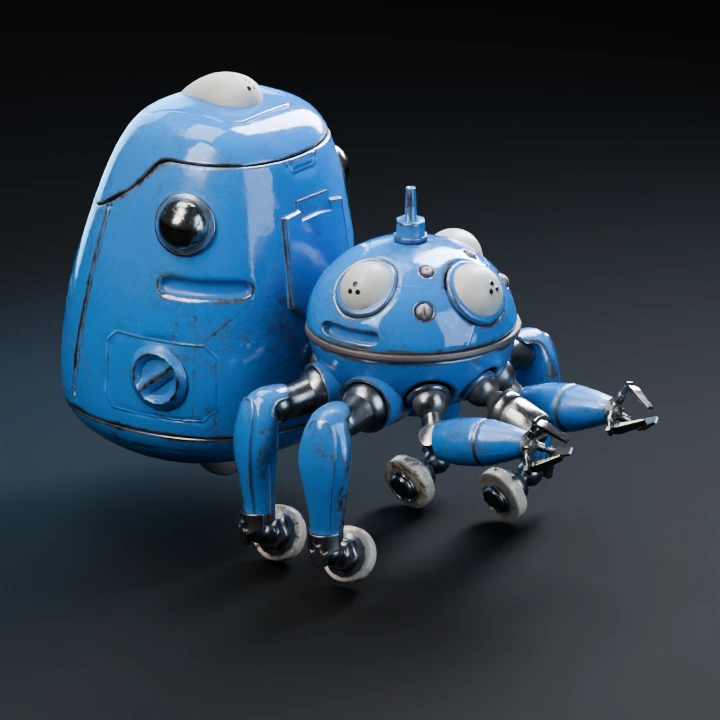
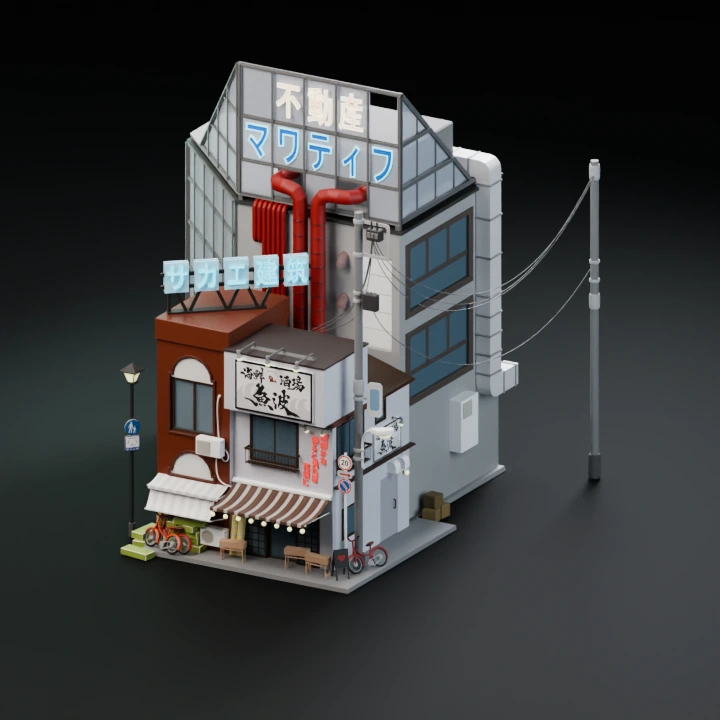
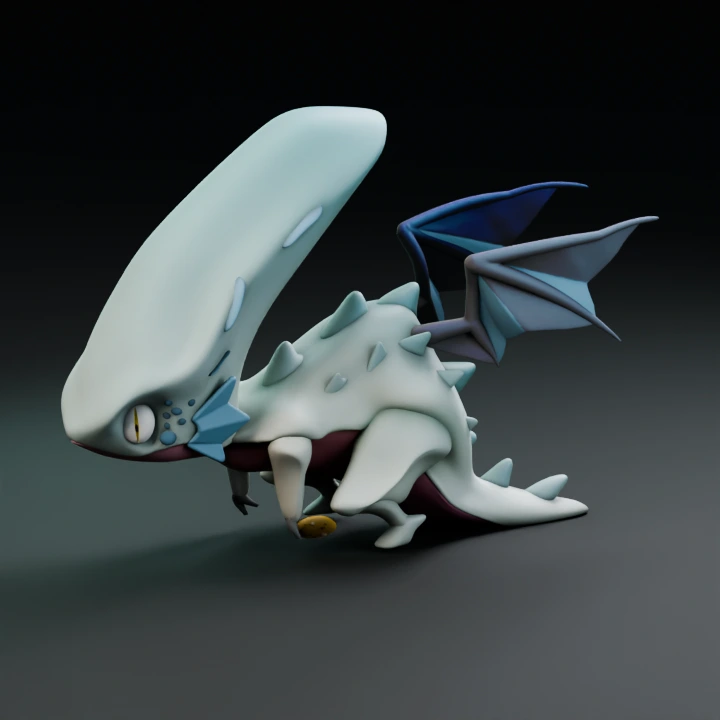
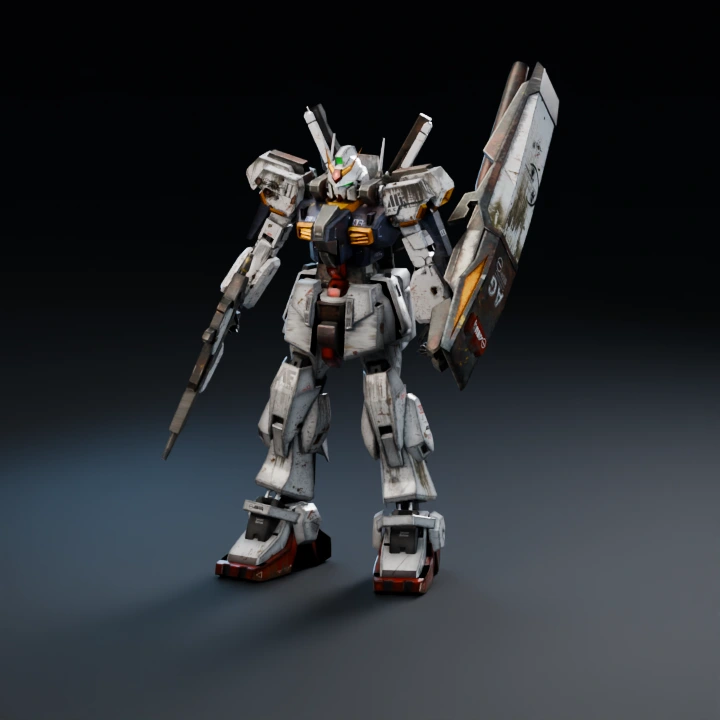
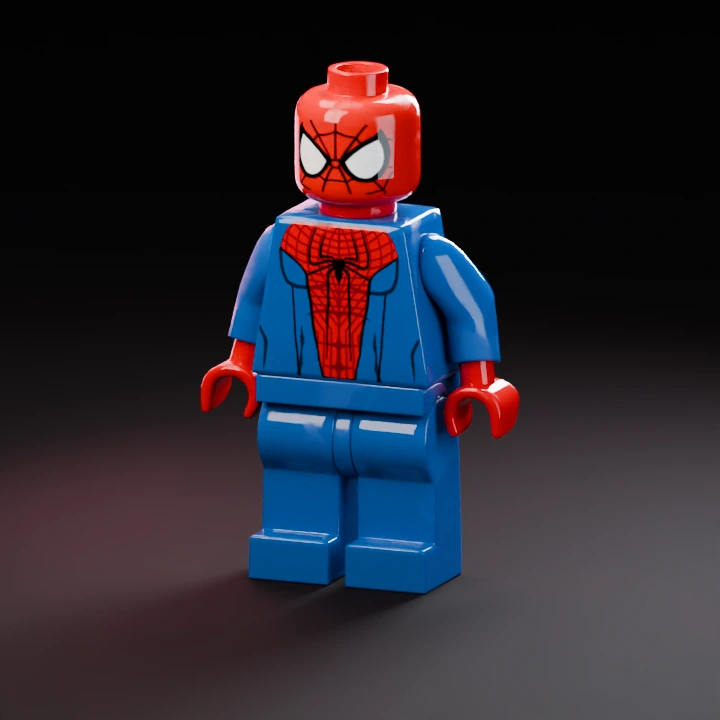
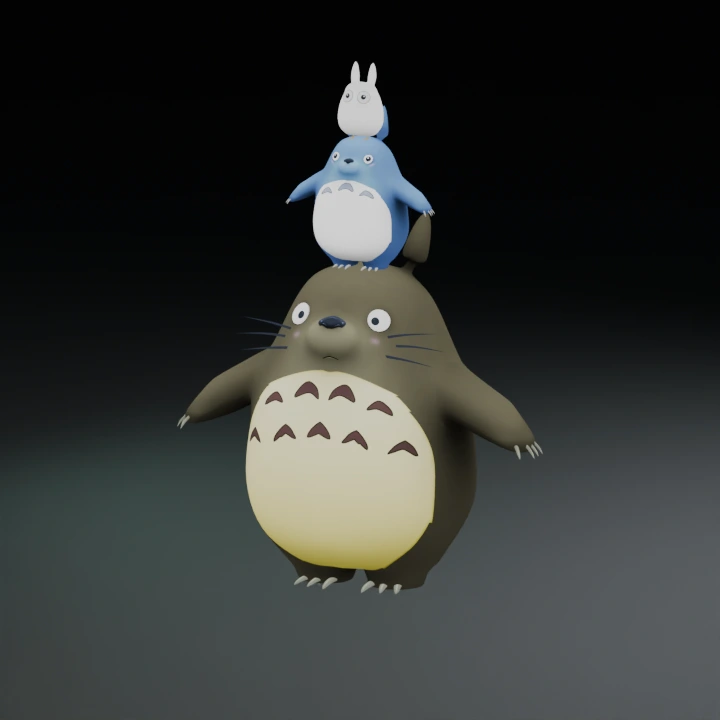
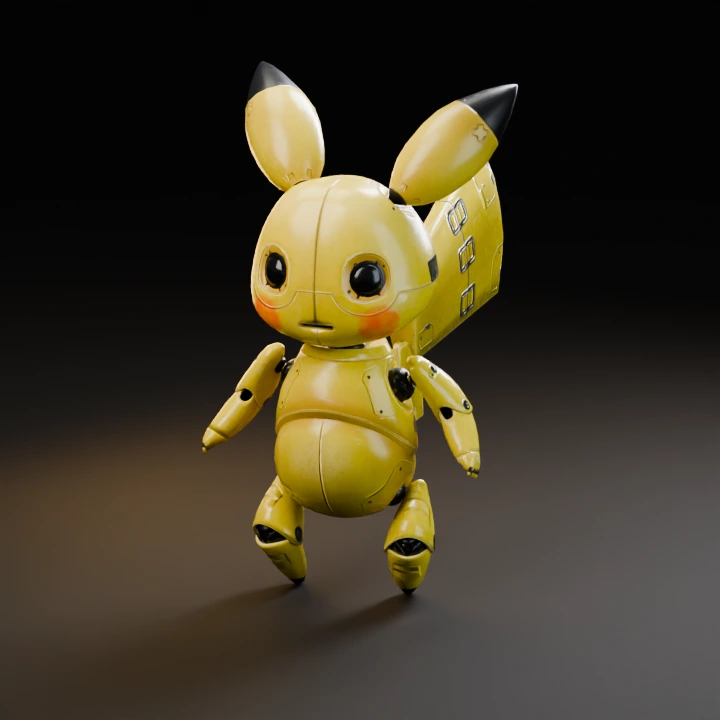
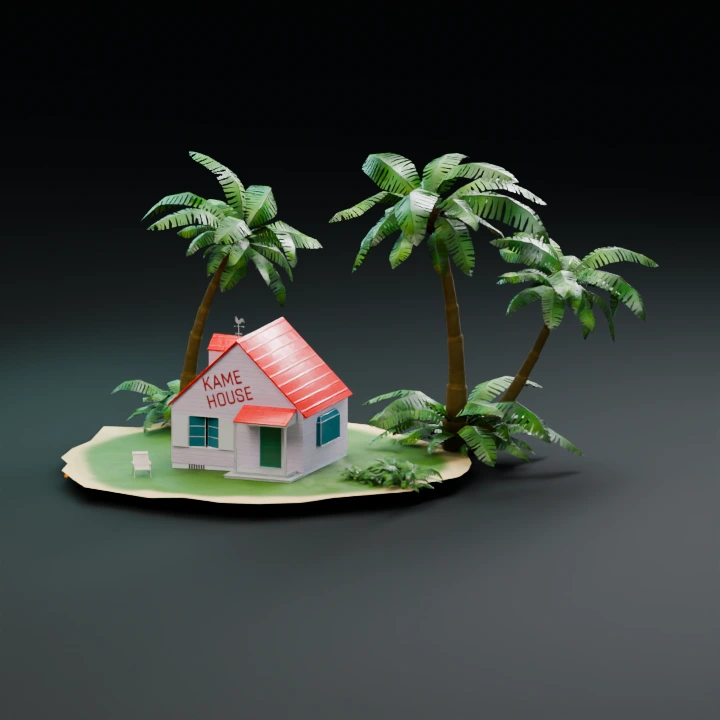
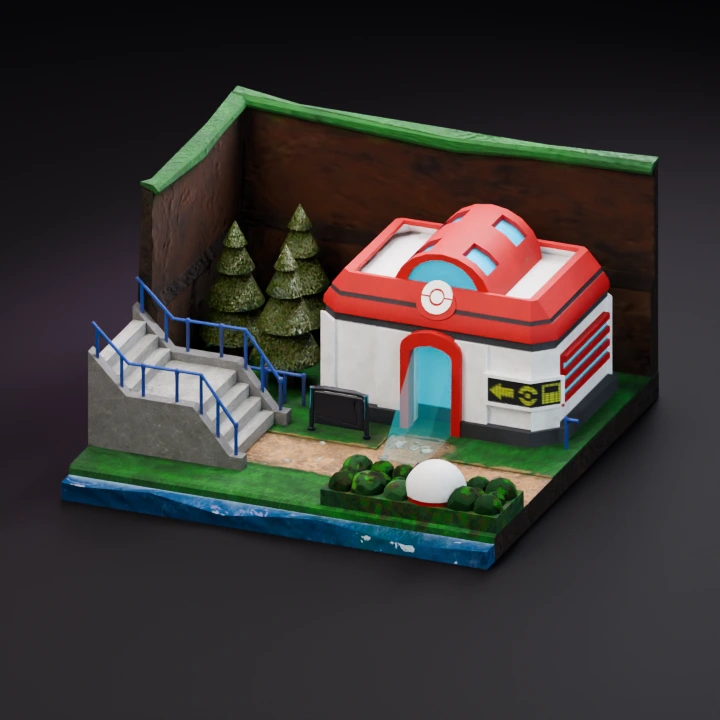
Start with one image. Add another to create a separate model.
Describe one object, its shape, proportions and material.
02
Model & output
Checking…
Pro
Checking the generation service…
Generation settings & cost +
Single generation · Batch variations are a Pro feature.
The Generate button shows the current model and options cost before you start.
Image privacy & storage +
Your image stays in this browser until you choose Generate. A generation request sends the required input to the selected model provider. Saved History stays in this browser until you delete it or clear site data.
Leave space around the object, keep its outline distinct and avoid sheets of unrelated views. The image model estimates depth from your drawing. Compare its sides and back against your intended shape.