

Multi-View to 3D Model
Create a 3D model from multiple images of the same object. Add front, side and back views to describe surfaces a single photo cannot show.
Open workbench3D Model Selection
01Multi-view to 3D
Start with one image. Add another to create a separate model.
Describe one object, its shape, proportions and material.
02
Model & output
Checking…Pro
Checking the generation service…
Generation settings & cost
Single generation · Batch variations are a Pro feature.
The Generate button shows the current model and options cost before you start.
Image privacy & storage
Your image stays in this browser until you choose Generate. A generation request sends the required input to the selected model provider. Saved History stays in this browser until you delete it or clear site data.
3D PREVIEWReady for inputSample credits ↗
Your model will appear here
Generate a model or select a template.
Opening model
Loading this model into the viewer.
CURRENT MODEL
Model preview
Materials & textures Surface editor
Generate or open a model to edit its surface.
3D model examples and references
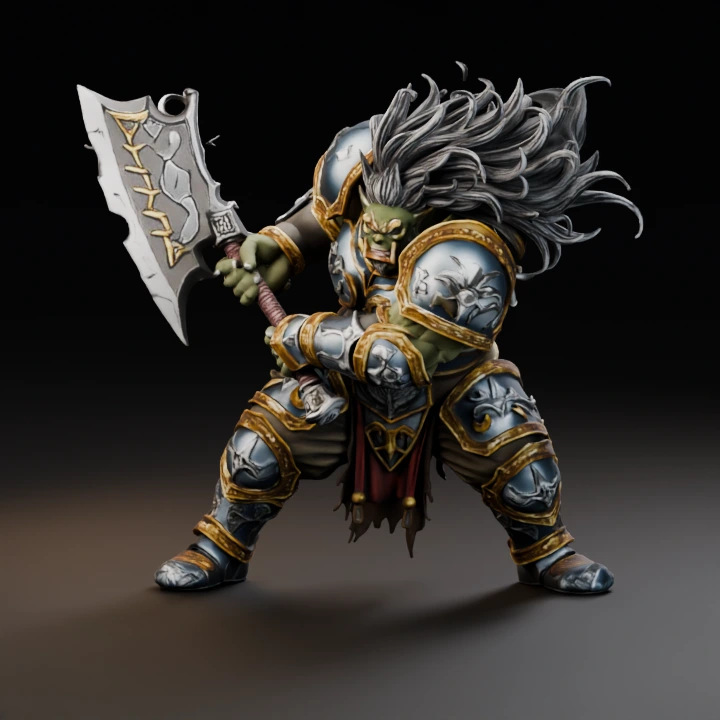

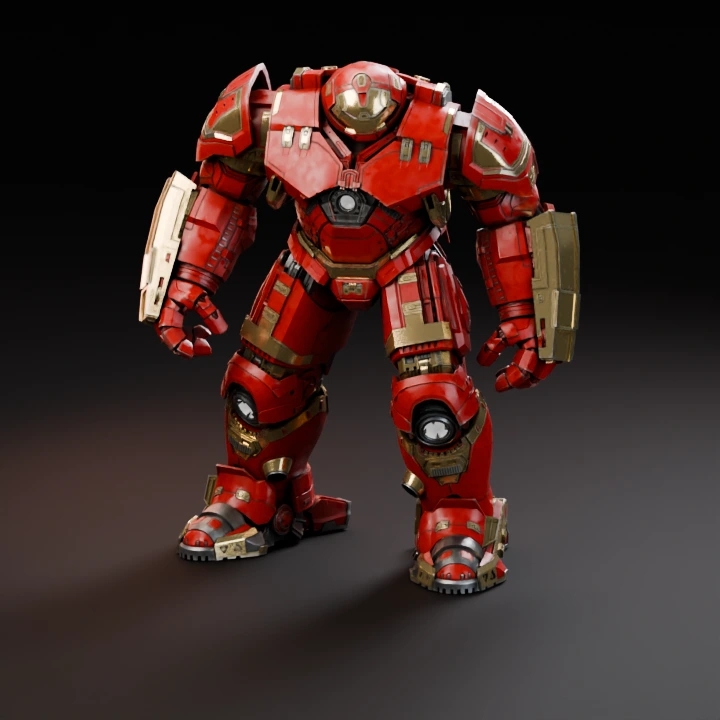
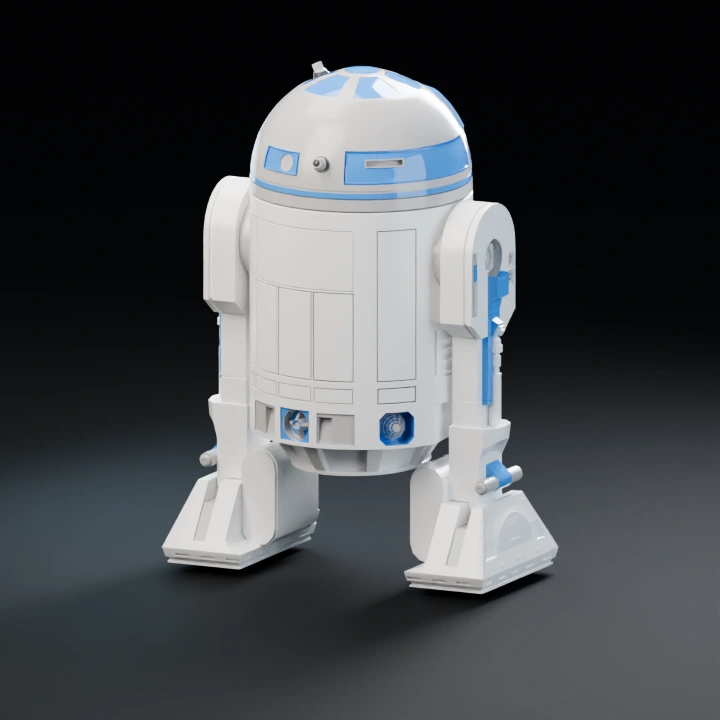
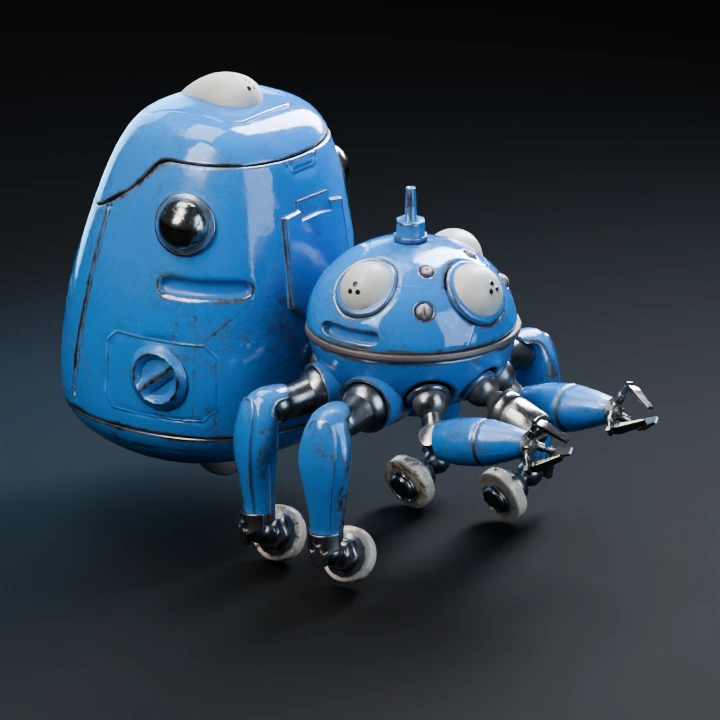
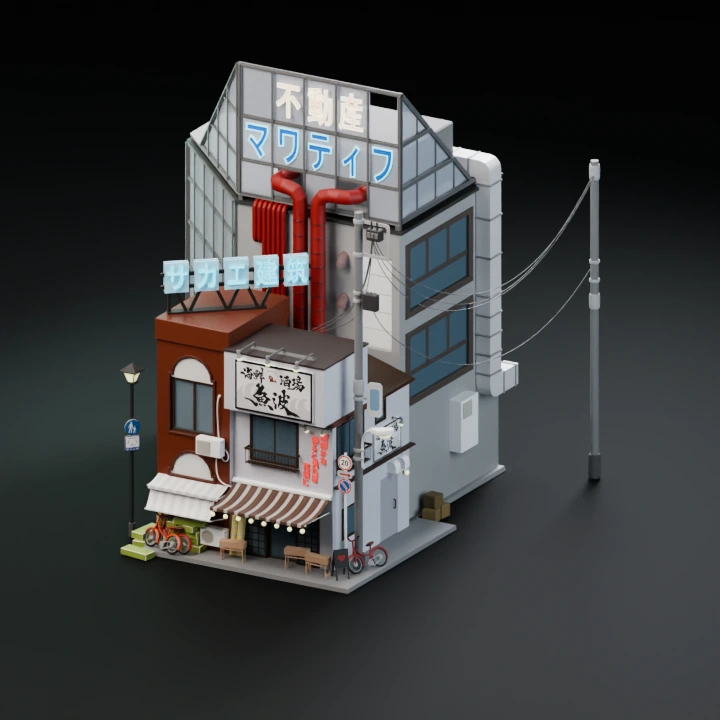
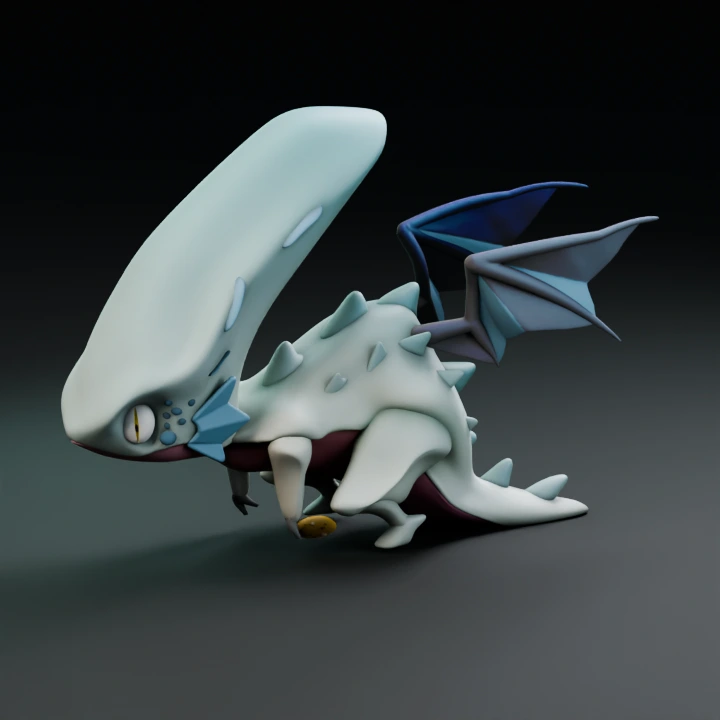
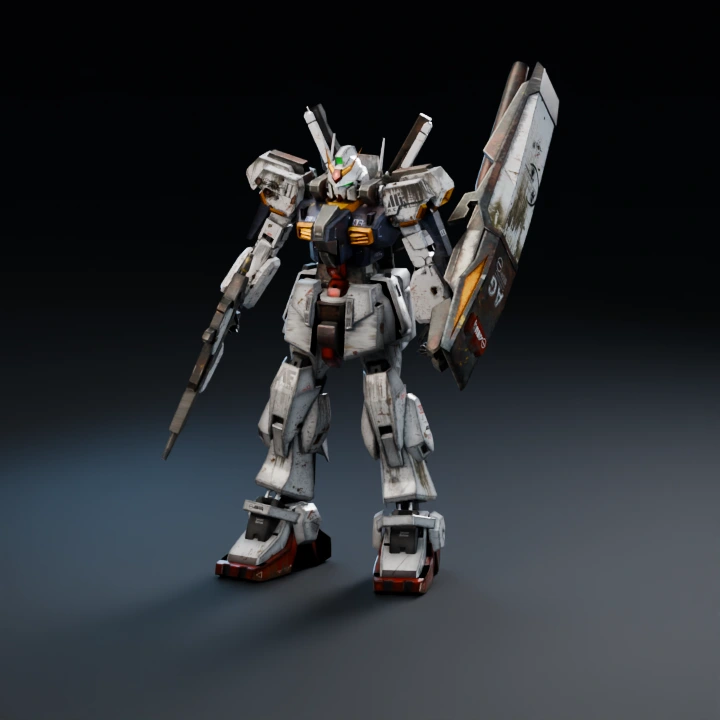
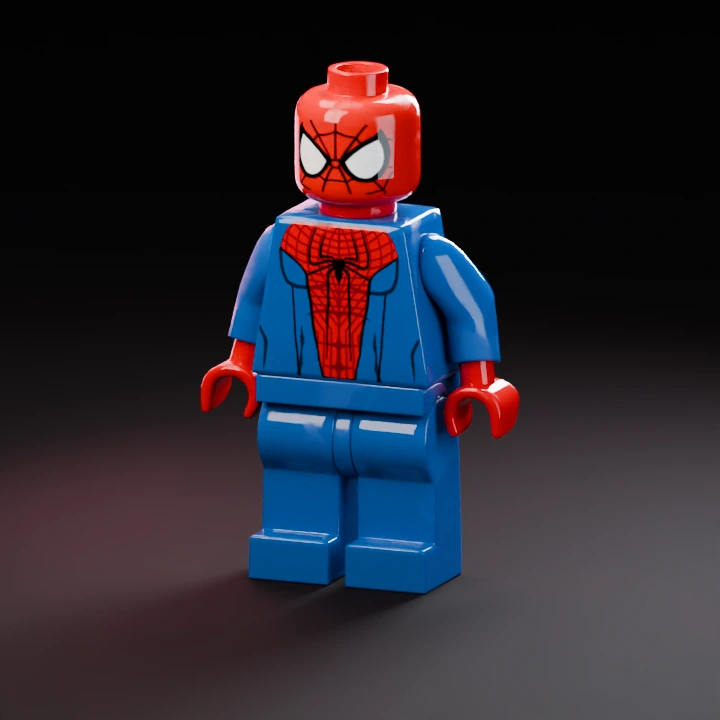
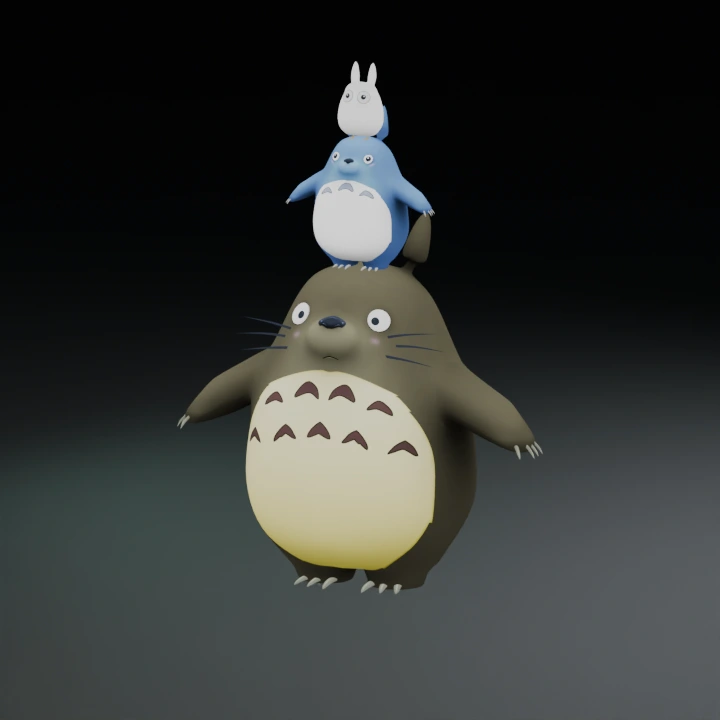
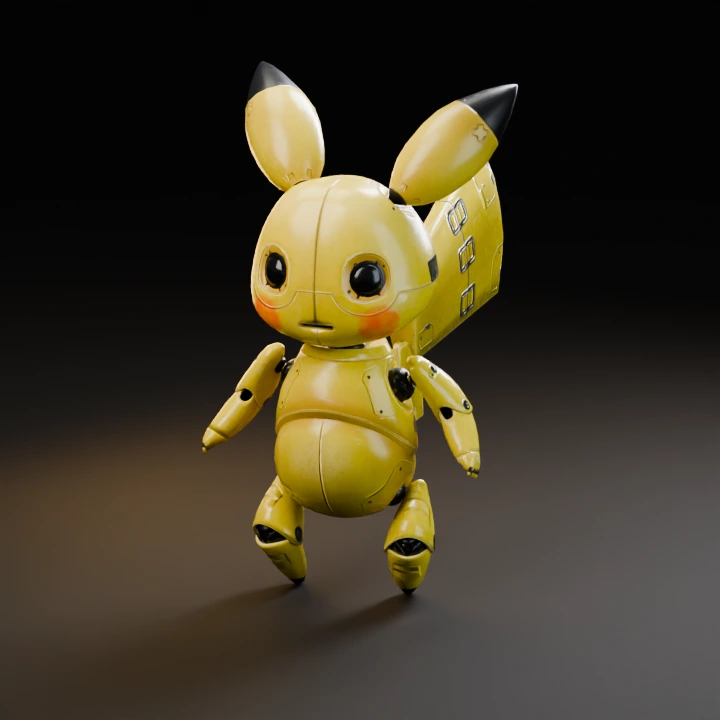
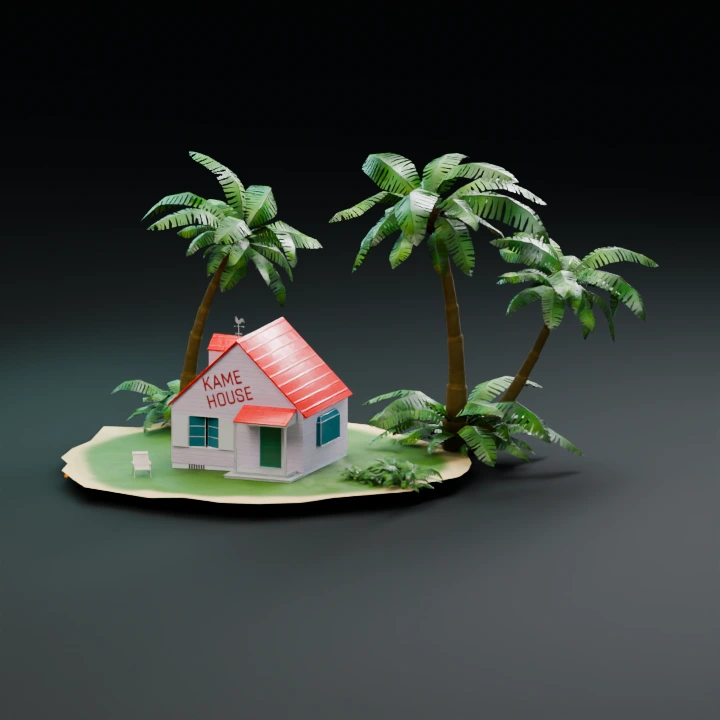
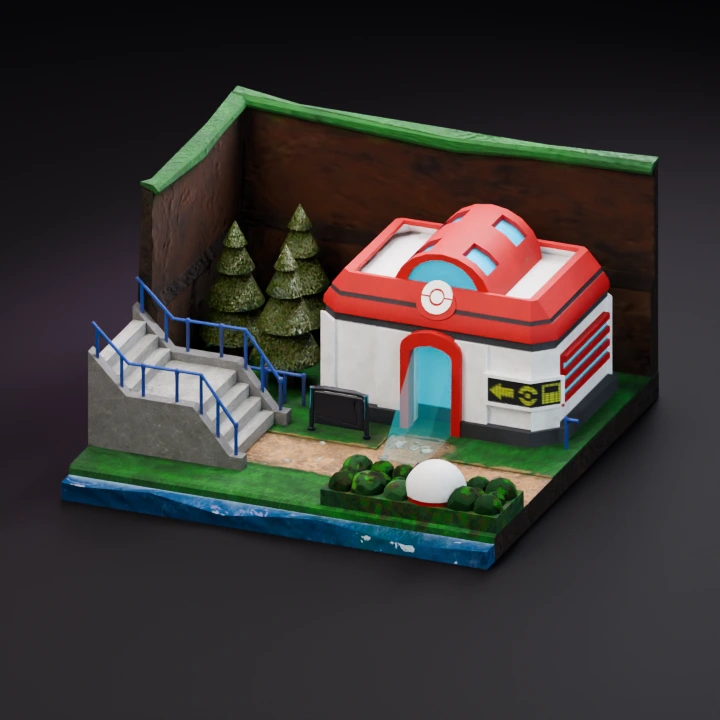
How to use multiple images for one 3D model
Hunyuan and Meshy can use different angles of the same subject through fal.ai. Keep lighting and appearance consistent. Unrelated material or style references are a different creative task and are not submitted as multiple views.
Review the image checklist or start with an image.
Multi-image to 3D model: prepare consistent views
Use a front image and add a true side or back view. Keep the same object, color, lighting and scale in every image. Do not use unrelated style references as extra angles. Choose a multi-view-capable model before generating; the visible input requirements follow that model.
Inspect what each additional view changes
Check the sides and back with the XYZ view points. Compare the silhouette in clay view and then check texture continuity. Extra images supply evidence, but they do not guarantee exact hidden geometry.
Available models and generation costs are shown in the workbench before you submit a request.
After you export, inspect the file in the 3D file viewer or convert it with the 3D model file converter.
Open the image to 3D model generator.