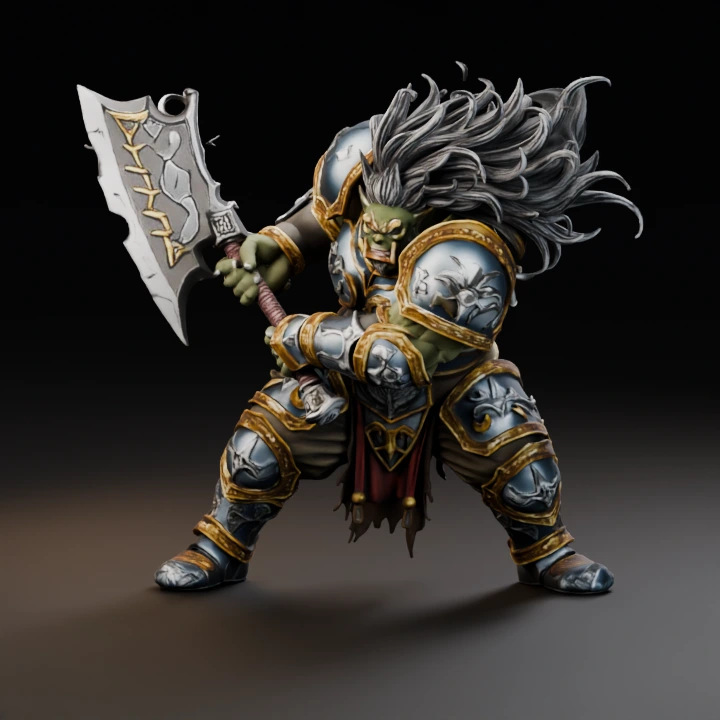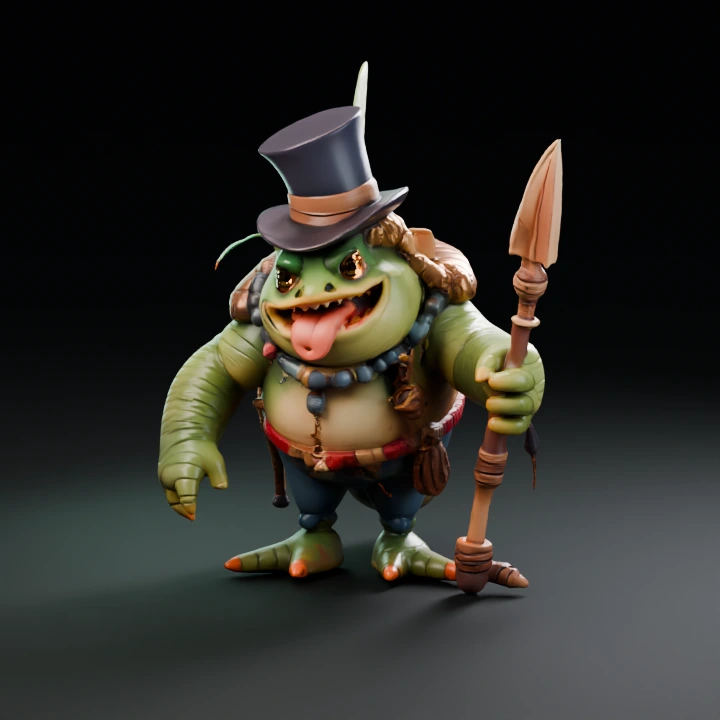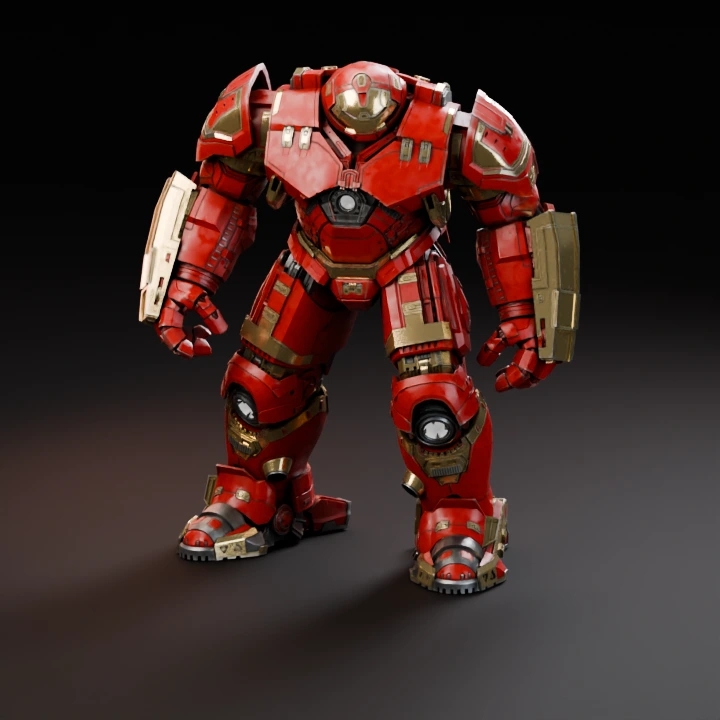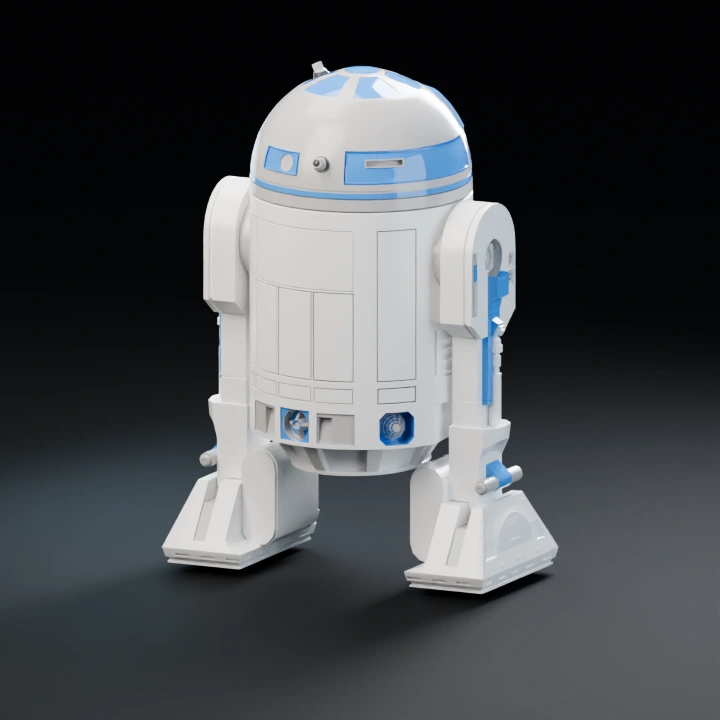
Text to 3D Model

Describe an object’s shape and materials, then create a 3D model with Hunyuan3D or Meshy. A subscription is required for generation.

Open workbench

3D Model Selection

01Text to 3D

Start with one image. Add another to create a separate model.

Describe one object, its shape, proportions and material.

JPG, PNG, WebP · 10 MB0 of 8 images
02

Model & output

Checking…
Texture & material output

Checking the generation service…

Generation settings & cost

Single generation · Batch variations are a Pro feature.

The Generate button shows the current model and options cost before you start.

Image privacy & storage

Your image stays in this browser until you choose Generate. A generation request sends the required input to the selected model provider. Saved History stays in this browser until you delete it or clear site data.

Read the Privacy Policy for provider retention details.

Explore 3D references

Refine your input.

Reference images

Up to 8

JPG, PNG or WebP · 10 MB each · 30 MB total

0 / 1,200

Text prompts can guide text-to-3D. With an image, only Meshy currently accepts texture guidance; Hunyuan and Hi3D do not accept an image prompt. Separate images create separate models; use Multi-view for angles of one object.

Your reference, in focus.

Add an image or start with a prompt.

Saved only in this tab.

Choose your model.

Generation model

Model settings

3D model examples and references
Delete from History?

This action will permanently delete this model. Do you want to continue?

Add to Templates

This model will appear in Templates on this browser.

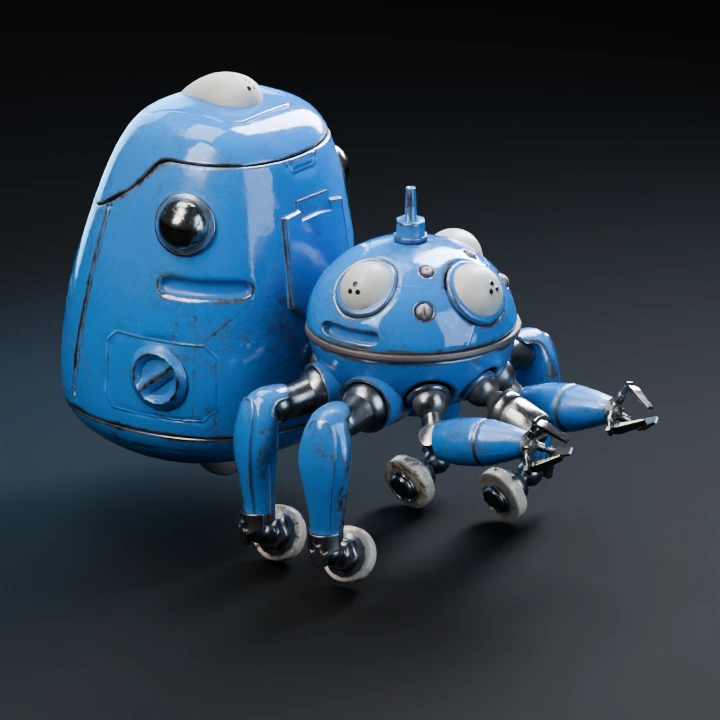
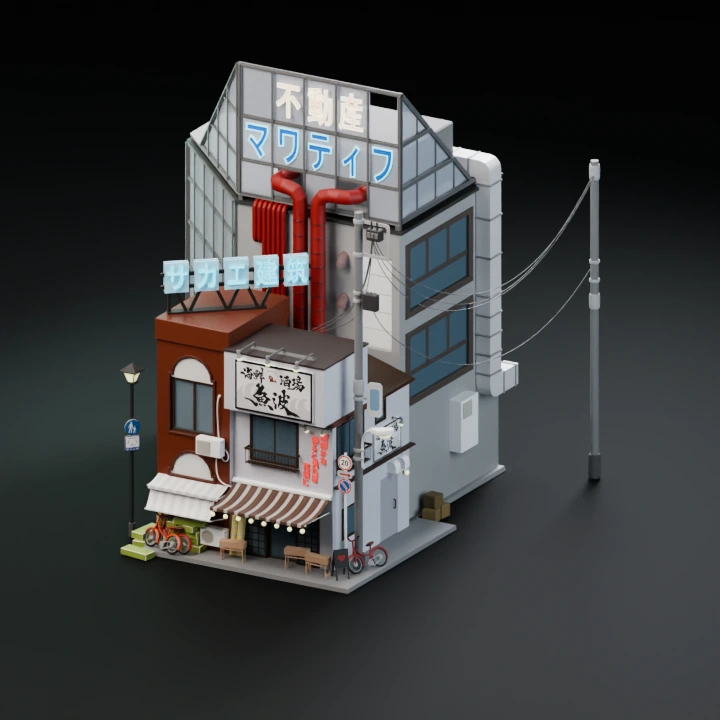
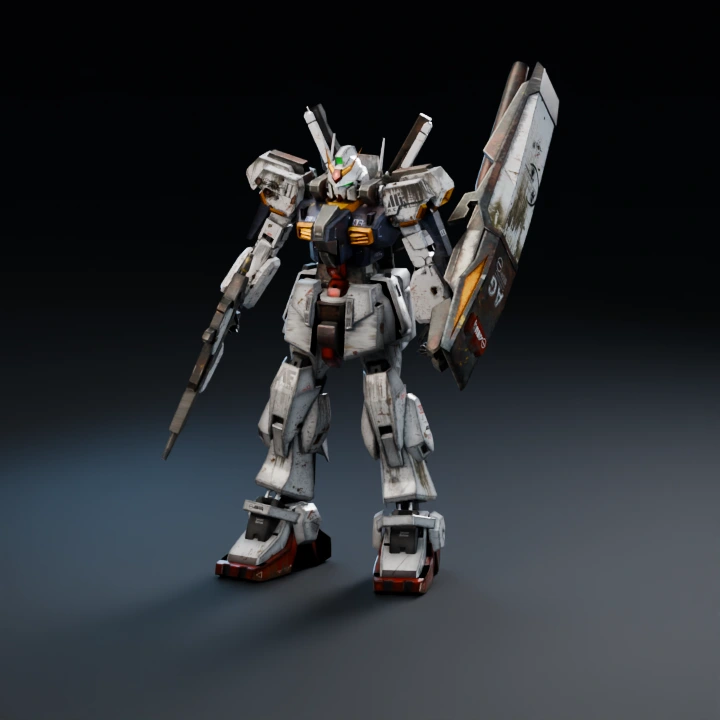
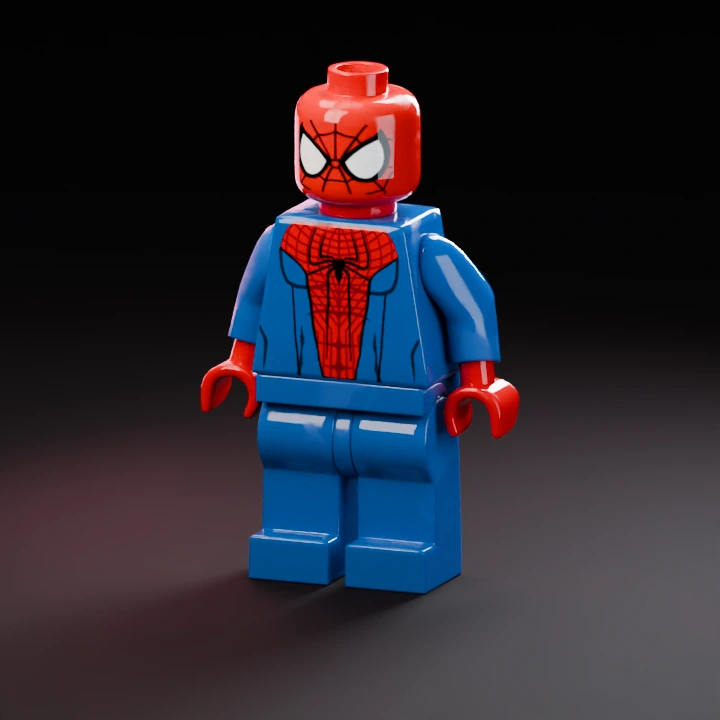
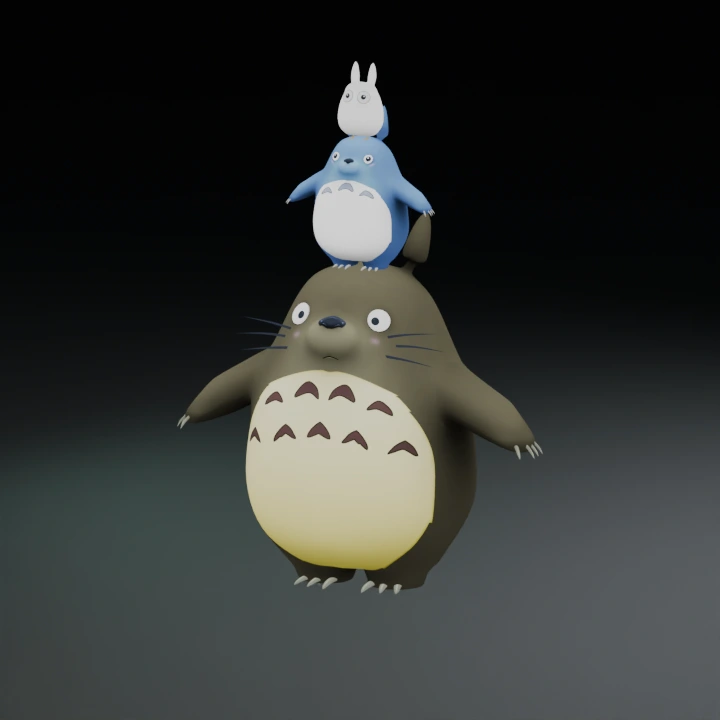
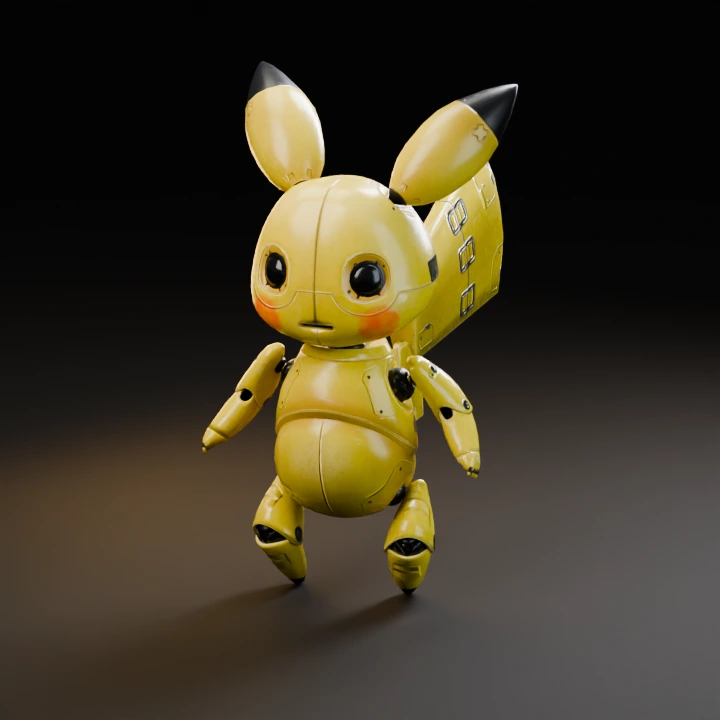
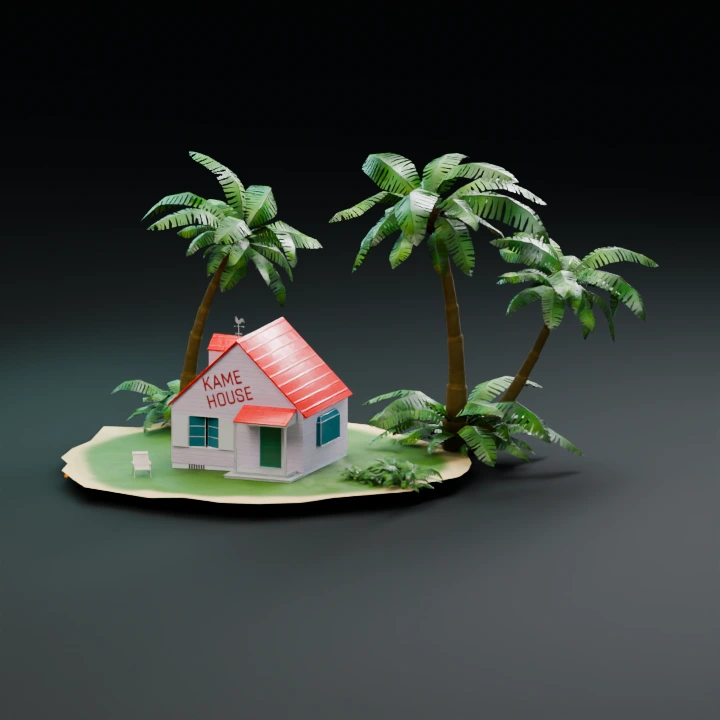
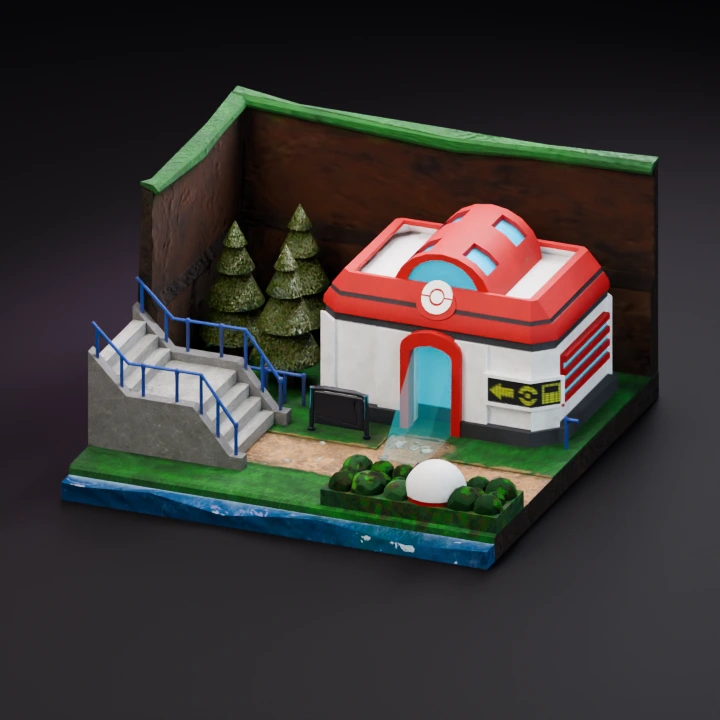
3D model examples

How to write a text-to-3D model prompt

Start with one object, then describe its silhouette, proportions, key parts and material. Avoid contradictory styles and specify which details matter most.

Explore 3D model prompt examples or start with an image.

Text to 3D access and credits

Generating from text with Hunyuan3D or Meshy requires a subscription. The Generate button shows the credit cost for the selected model and options. Free Hi3DGen trials accept an image.

From a text prompt to an editable 3D model

Describe one subject, its large shapes and its materials. Compare each result from the same view, then use clay and wireframe to inspect the mesh. Export supported GLB for materials, or STL and OBJ for geometry.

Available models and generation costs are shown in the workbench before you submit a request.

After you export, inspect the file in the 3D file viewer or convert it with the 3D model file converter.

Payment confirmation

Checking your payment…

Plans and credits

Get started

Free

$0

Start with 10 Hi3DGen trials, no account required. Sign in to export, get 50 welcome credits, and claim 10 credits a day.

One result per generation (batch is on paid plans).

Start free ↗
  • 50 welcome credits
  • 10 free Hi3DGen trials without signing in
  • Claim 10 free credits daily after signing in
  • Hi3DGen image-to-3D generation; 5 credits per result after trials
  • Premium 3D models
  • Batch generation and multiple results
  • Text to 3D and Multi-view
  • Text-to-image references and advanced material controls

Max

$38.80 / month

1,600 credits refreshed every month

  • Up to 21 standard Hunyuan3D results
  • Claim 10 free credits daily after signing in
  • Hunyuan3D Pro, Meshy, Hitem3D and Hi3DGen
  • Image, text and multi-view to 3D
  • Text to Image references
  • 2 or 4 variants, or up to 8 images per batch
  • Texture, PBR and mesh controls
  • Refine before confirming export

Cancel future renewals anytime.

Studio

$88 / month

5,000 credits refreshed every month

  • Up to 66 standard Hunyuan3D results
  • Claim 10 free credits daily after signing in
  • Hunyuan3D Pro, Meshy, Hitem3D and Hi3DGen
  • Image, text and multi-view to 3D
  • Text to Image references
  • 2 or 4 variants, or up to 8 images per batch
  • Texture, PBR and mesh controls
  • Refine before confirming export

Cancel future renewals anytime.

Every paid plan includes Hunyuan3D Pro, Meshy, Hitem3D and Hi3DGen; image, text and multi-view to 3D; text-to-image references; 2 or 4 variants, or up to 8 images per batch; texture, PBR and mesh controls; and preview before you confirm export. Cancel future renewals anytime. Signed-in accounts can also claim 10 credits once per day.

One-time credit packs

Premium models and batches need a subscription.

900 credits

$30 one time

Purchased credits do not expire.

2,000 credits

$50 one time

Purchased credits do not expire.

Full pricing and account ↗

Sign in

Get 50 free credits when you sign up